Keep the spark.
Bring in photos, links, notes, glazes, and pieces from your library. Arrange them however your mind works.
A pottery journal for iPhone & iPad
Snap a photo. Track the next stage. Sketch the thing you want to make. A home for your pottery practice, on iPhone and iPad.
Completely free · No separate app account
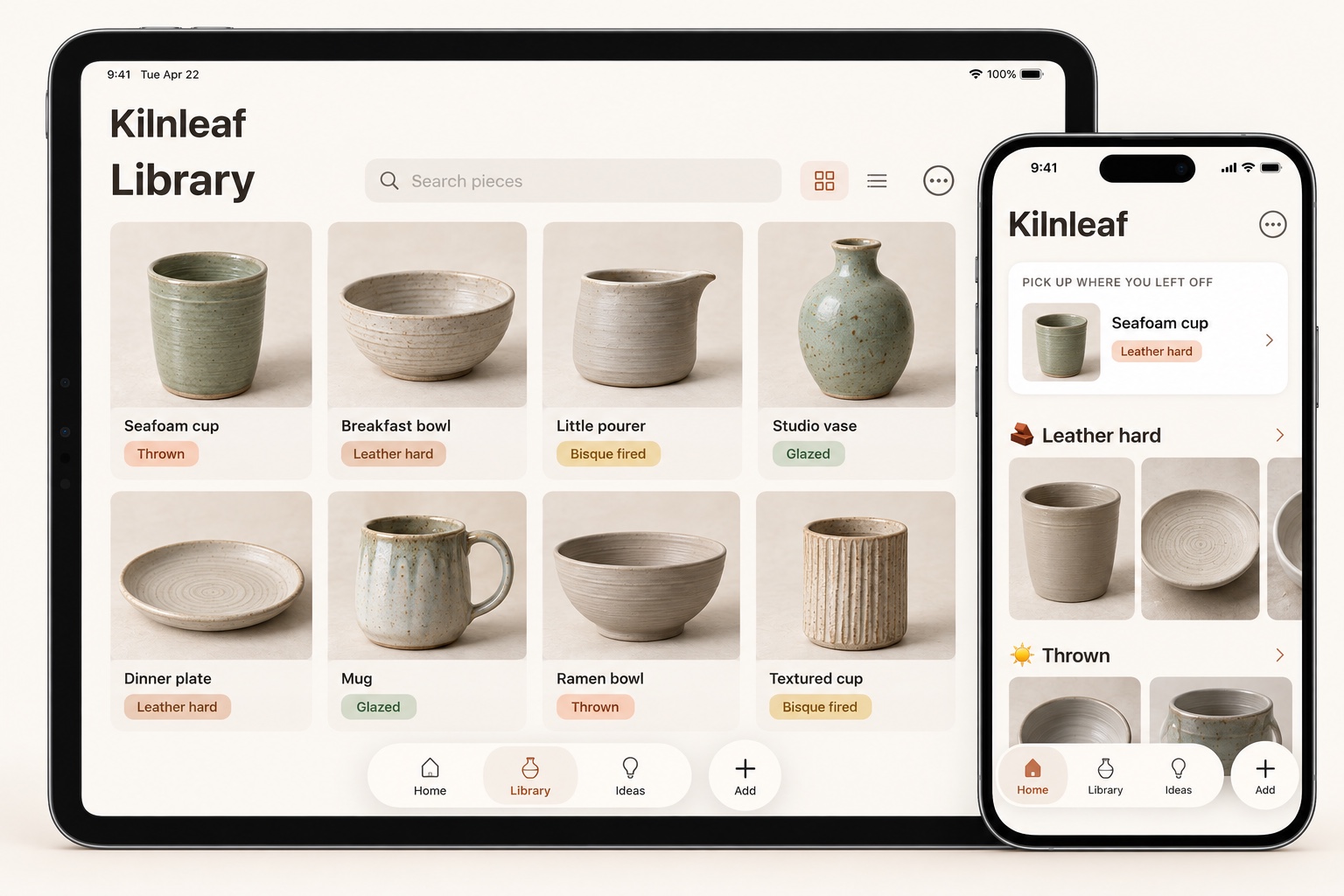
01 / A few taps, then back to the clay
You don’t need to fill out a form to remember a piece. Kilnleaf starts with the thing in front of you.
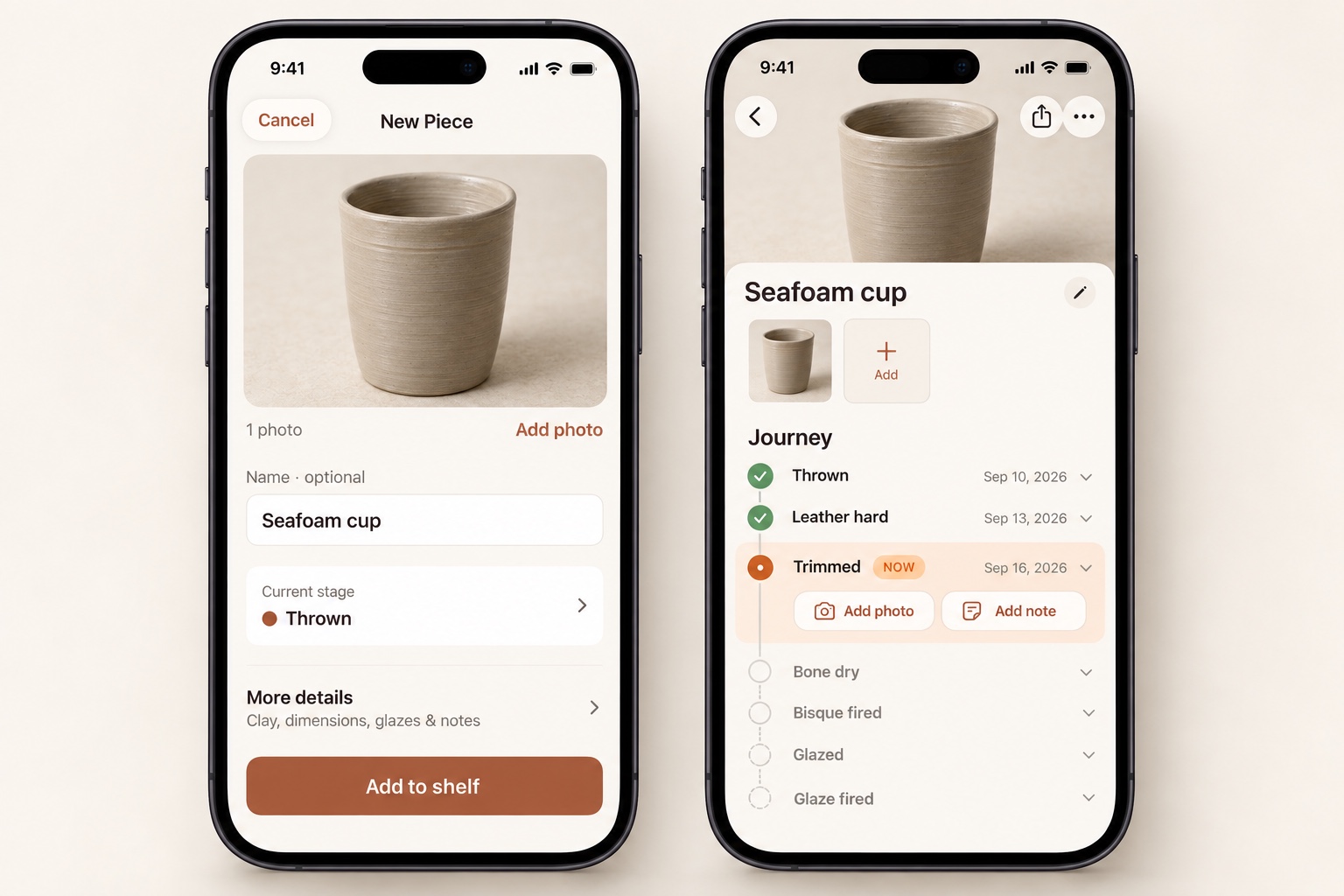
Tap Add to open the camera, or choose photos you already have. Capture one piece or group photos from a whole studio session.
Give it a name if you like, choose its current stage, and add it to your shelf. Clay, dimensions, glazes, and notes are there when you need them.
A new photo after trimming. A note before firing. Each update has a place in the piece’s journey, so nothing gets lost in your camera roll.
02 / Know exactly where you left it
See what’s done, what’s happening, and what comes next. Add photos and notes along the way—and make the stages your own.
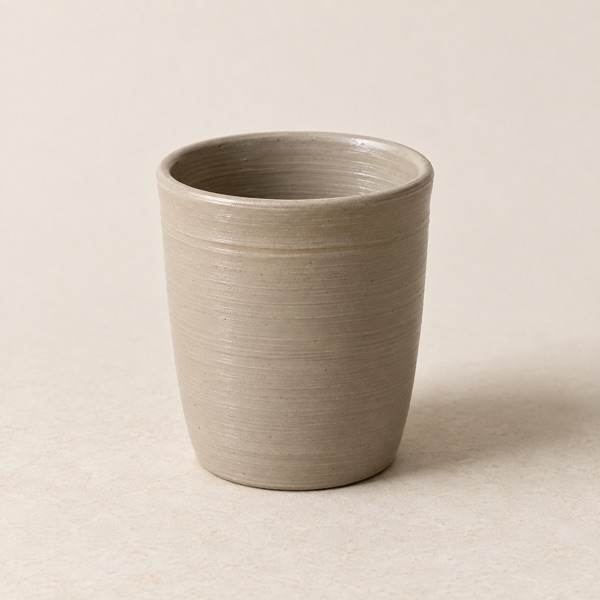
A foot ring, a softer edge, a little less weight. Save a photo and note what you changed.
A sample journey. In the app, you can rename, reorder, or add stages to suit your process.
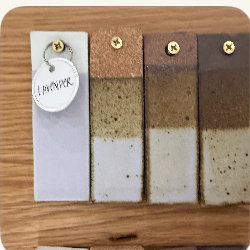 Lavender
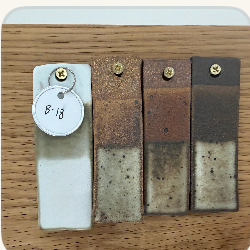 Speckled blue
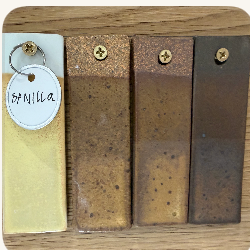 Warm cream
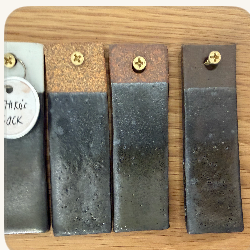 Olive
Olive03 / A glaze library that grows with you
Save test tiles, recipes, firing ranges, and application notes. Connect glazes to the pieces you’ve used them on, so a good result is something you can learn from.
Sharing is your choice. Publish the details you select, and let other potters save their own copy.
04 / A whiteboard for your next “what if”
Open a notebook on iPad, pick up your Apple Pencil, and let an idea take shape. Sketch right beside your photos, notes, and glaze references.
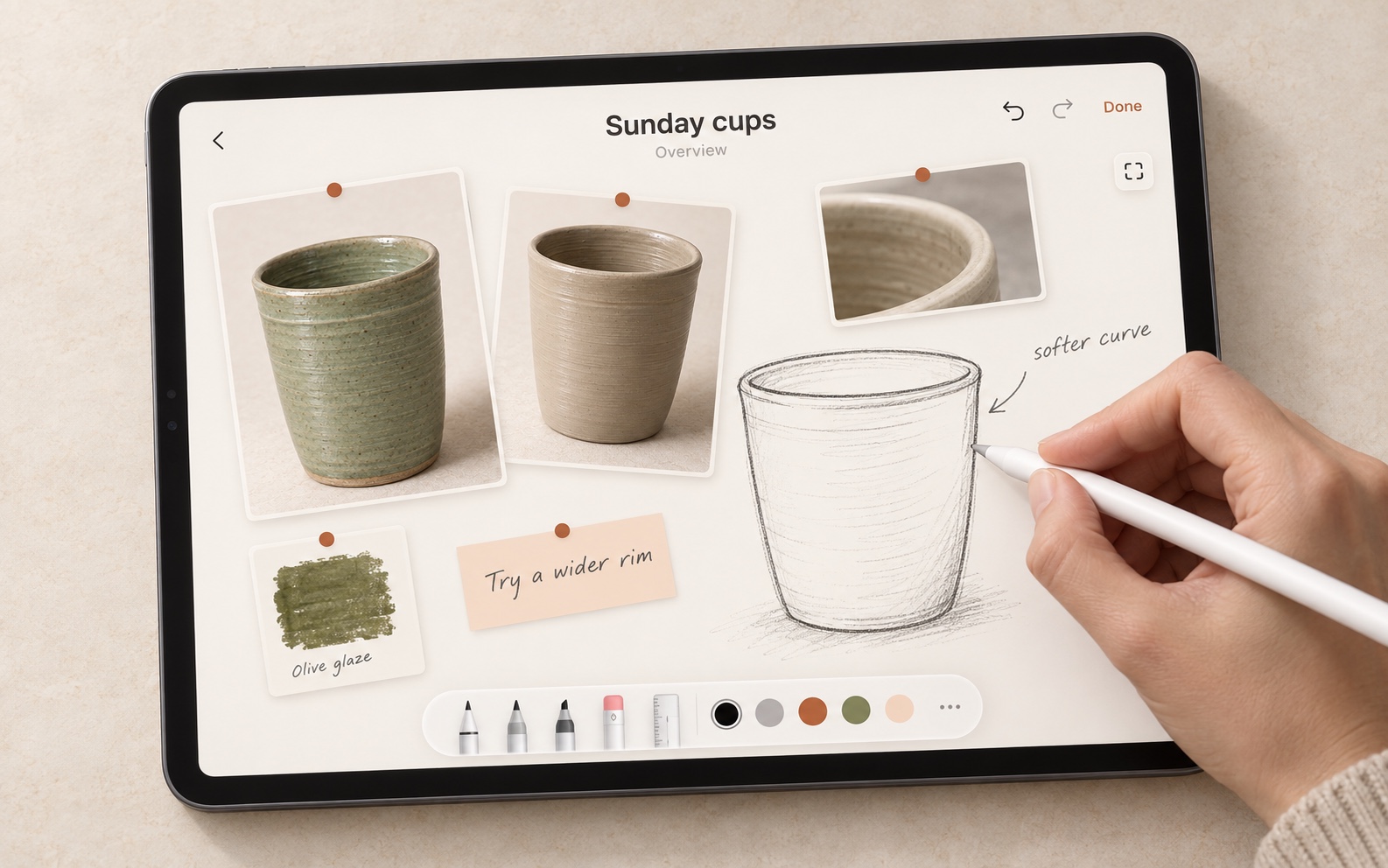
Bring in photos, links, notes, glazes, and pieces from your library. Arrange them however your mind works.
Sketch over the board with Apple Pencil or your finger. Use native drawing tools, undo, redo, and zoom.
Use multiple pages for a project. When you start a piece, keep it connected to the idea that began it.
The details that make a studio yours
Whether you’re making one mug or a whole shelf of them, keep the practical details within reach.
Keep a library of clays, cone ranges, colors, and textures. Calculate wet or finished dimensions with your clay’s shrinkage rate.
Remember which shelf or studio a piece is on. Set reminders and stage rules for the moments you want to check back in.
Duplicate a piece or start another in the same batch. Advance stages, change locations, add tags, and archive several pieces together.
Filter by stage, clay, glaze, location, outcome, tags, forming method, or date. Save your favorite combinations as named views.
Use tags and custom fields for the details that matter to you. Keep firing records, progress, and piece history in the same place.
Share piece photos, export a readable CSV, or save a studio archive with media and relationships that you can restore later.
Your Apple account. Your own studio.
Kilnleaf’s iCloud support uses the Apple account already on your devices. Once active, your pieces, photos, glaze library, and idea notebooks stay together across iPhone and iPad—without an extra sync service to set up.
Current TestFlight beta: cross-device sync is awaiting activation. Keep testing on one device for now. Video files stay on the device where you add them.
Before you get your hands dirty
Open the beta invitation on your iPhone or iPad. Apple will guide you through installing TestFlight and then Kilnleaf. You can send feedback from TestFlight as you use the app. For this beta, keep your testing on one device while cross-device iCloud sync is being rolled out.
Kilnleaf is built for iPhone and iPad. Check the TestFlight invitation for the current build’s device and operating system requirements. An Android or browser version is not currently available.
Handbuilders are welcome too. Customize the stages to fit your process, record your forming method, and keep the materials, photos, and notes that matter to your work.
Your personal studio is private, with iCloud support planned as the beta rollout continues. Glaze shelf sharing is optional: you review what to publish, and anyone with that link can view it. Personal notes and piece relationships are excluded. You can stop sharing a shelf; copies already saved by other people remain theirs.
Yes. Export a studio archive with your records and media, then restore it in the app. You can also export a CSV summary of your pieces. Videos are included in local archives, even though they don’t sync through iCloud.
Kilnleaf is completely free. Kilnleaf is still being developed, and features may change as we learn from the people using it.
 KILNLEAF / THE BETA
Completely free, and ready for your next piece. Add a photo, move it through a stage, or sketch your next idea. Then tell us what felt good—and what got in your way.
Join the TestFlight beta 1. Install TestFlight 2. Get Kilnleaf 3. Make it yours